01
Upload your course
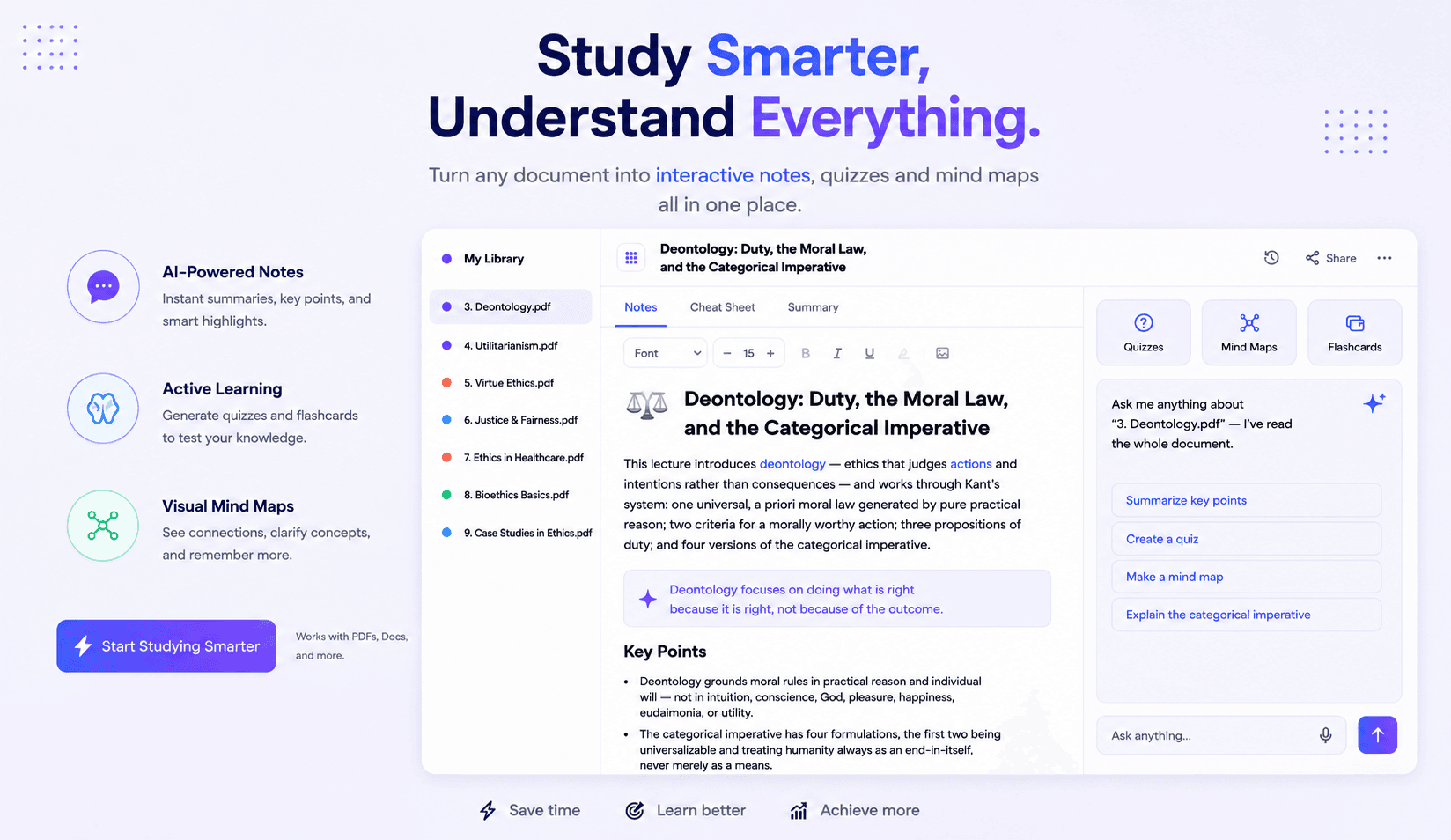
Add lecture PDFs or PowerPoints. StudyBuddy extracts the concepts, outcomes, terminology, and supporting visuals.
Upload your lecture slides. StudyBuddy creates notes, answers questions, builds revision tools, and helps you understand difficult ideas while you study.
Join the waitlist · 14 days free at launch

How StudyBuddy helps
Add lecture PDFs or PowerPoints. StudyBuddy extracts the concepts, outcomes, terminology, and supporting visuals.

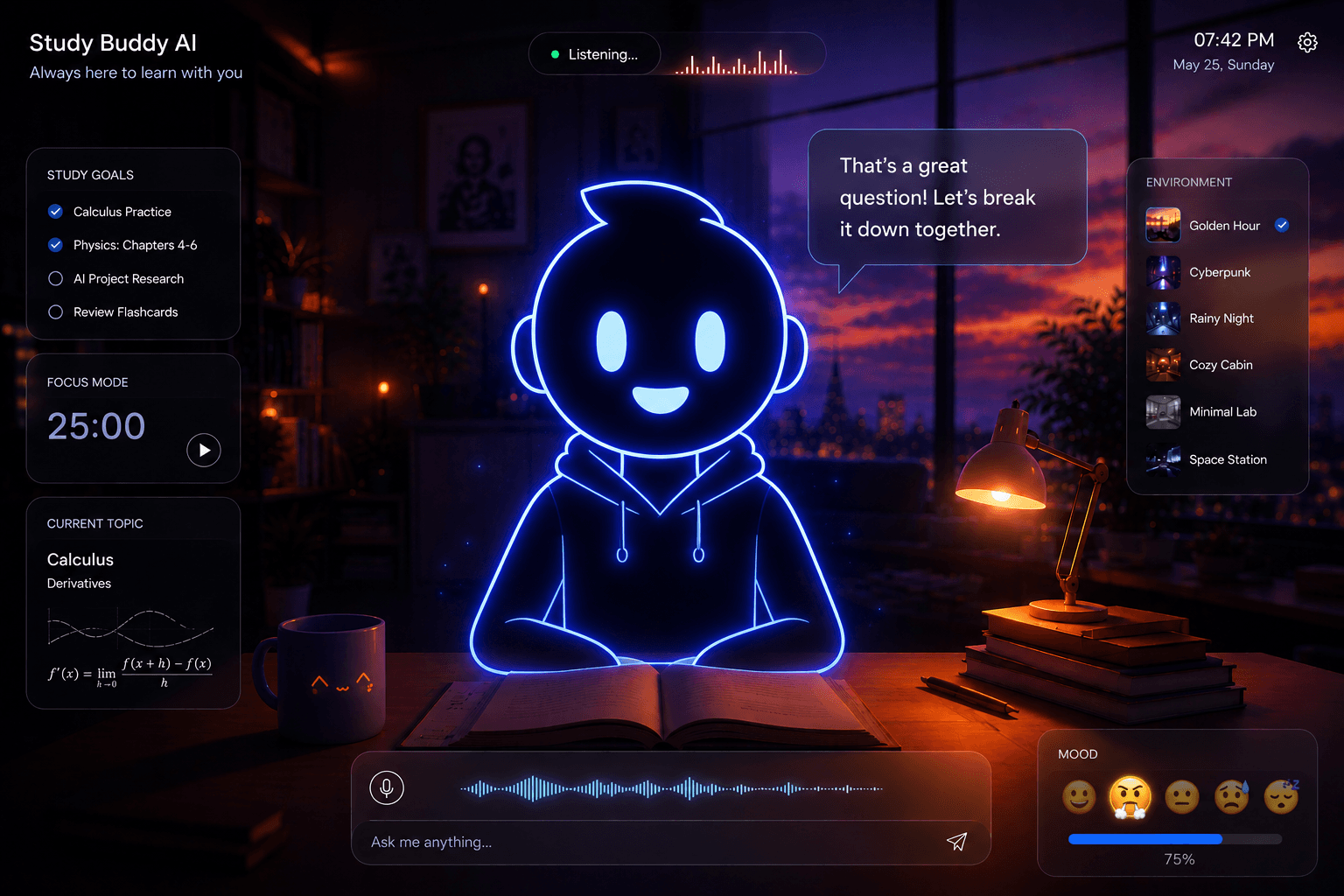
Talk naturally with your AI Study Buddy, request simpler explanations, and connect ideas across your notes.
Build quizzes, flashcards, diagrams, and focused sessions from the exact material you need to learn.
StudyBuddy finds the important outcomes, organizes each topic, and creates editable notes you can highlight, refine, print, and export.
AI NOTES
Key outcomes highlighted
Everything in one place
Your AI Study Buddy listens, explains, and responds using your own lecture material.
Turn dense slides into editable, structured notes with key outcomes and supported images.
Generate quizzes and flashcards grounded in the concepts you actually need to revise.
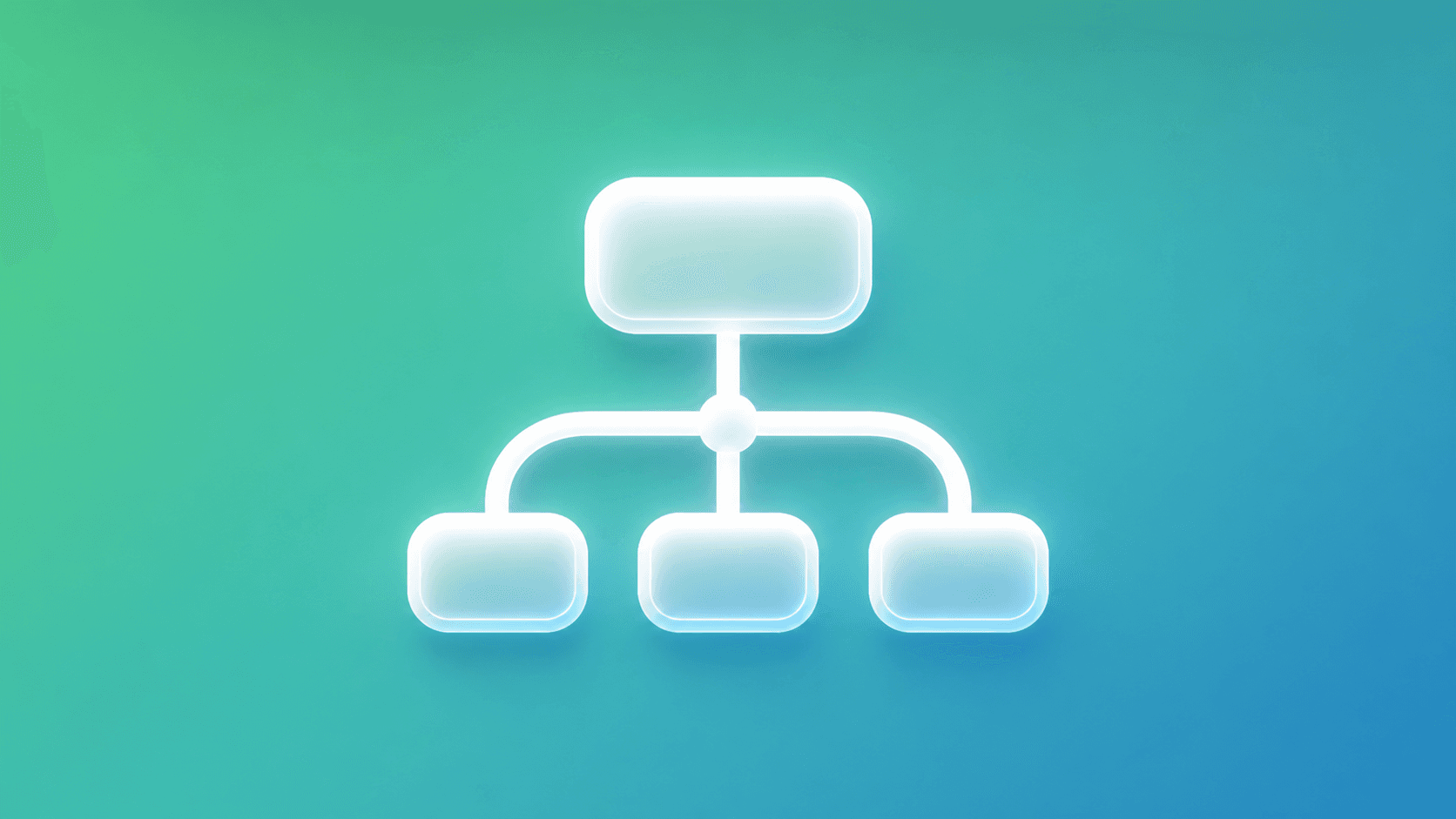
Transform lectures into clear mind maps and high-yield diagram schemes.
Pomodoro, Blurting, Feynman, and Time Blocking work together inside one workspace.
Keep Spotify or ambient audio playing while you move between your study tools.
4
proven techniques
1
connected workspace
24/7
AI study support
Your
course material
FAQ
Everything you need to know before beginning your first StudyBuddy session.
Upload PDF or PowerPoint lecture material. StudyBuddy extracts the content and uses it to create notes, questions, flashcards, diagrams, and explanations.
Yes. Your uploaded material is used as the grounding source, so your study tools stay aligned with what your course actually covers.
Pomodoro, Feynman, Blurting, and Time Blocking are built in, alongside quizzes, AI flashcards, notes, mind maps, and the Study Buddy AI room.
Yes. Generated notes remain editable, support highlighting and images, and can be printed or downloaded as PDF.
The experience is responsive across desktop, tablet, and mobile, with layouts that adapt to smaller screens.

Bring one lecture. Leave with a clearer explanation, better notes, and a plan for what to practise next.